Blog Artifical Intelligence
How to Create an Invoice: A Simple Step-by-Step Guide


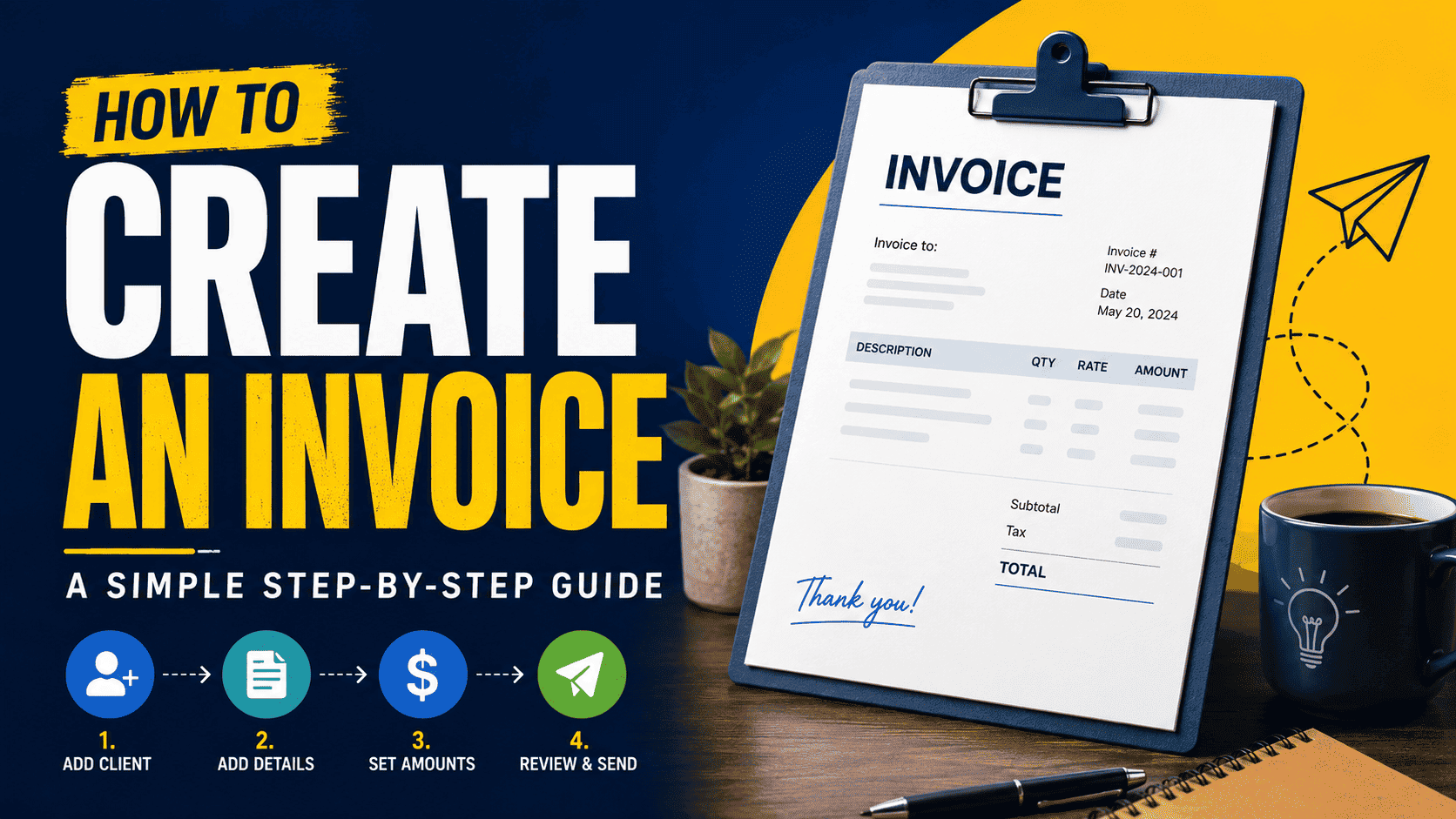
Knowing how to create an invoice correctly is one of the fastest ways to get paid on time. Whether you're a freelancer, a small business owner, or running a side project, a clear, professional invoice removes confusion and builds trust with your clients. The good news is that the process is simpler than most people assume, and you can do it in just a few minutes.
To create an invoice, you only need a few essential elements. Start with your business name and contact details, followed by your client's information. Add a unique invoice number and the issue date so both sides can track payments easily. Next, list each product or service with a short description, quantity, rate, and line total. Finally, include the subtotal, any applicable tax, the grand total, and your accepted payment methods with a clear due date.
A few small habits make a big difference. Use consistent invoice numbers, set clear payment terms such as "Net 15" or "Net 30," and send the invoice promptly after delivering your work. Adding a friendly note or a late-payment policy also encourages faster payment without sounding pushy.
Many free online tools let you generate polished invoices instantly, so you don't need advanced design or accounting skills. Pick a clean, readable template and save it as a PDF before sending.
If you want a more detailed, step-by-step walkthrough with examples and best practices, read this complete guide on how to create an invoice for everything you need to invoice with confidence.
Getting invoicing right saves time, reduces disputes, and keeps your cash flow healthy—so start creating clean, professional invoices today.
Form your durable team with us

Services
- Dedicated Remote Developers
- MVP Development
- Product Development
- Custom Software Development
- Digital Product Designing
- Support & Maintainance
- Integration Services
- Mobile Development
- Digital Marketing
- Bespoke Website Design
- Data Migration
- IT Consulting Services
- Zoho CRM Consultant
- WhatsApp Business Solutions
- AI Agents Development
Mobile App Development
Digital Marketing
Company
Web Development
Solutions
- Artificial Intelligence
- e-Commerce Software Development
- e-Learning Software Development
- ERP Software Development
- Inventory Management Software
- Point of Sale
- Restaurant Software Development
- Custom Software Development
- Custom CRM Software
- Live Conferencing
- HR Management
- Amazon Inventory Management
- Booking Scheduling System
- ChatGPT Integration Service
- Custom Billing Software
- Chat Application Development
- Talent Management System
- Labour Management System
- Custom Pharmacy Management Software
- eBay Inventory Management
- Retail Software Development Company
- LMS Development Solutions
- Warehouse Management Software
- Financial Software Development
- Healthcare CRM Software Development
- Medical Inventory Software
- Medical Billing Software Development
- Health Insurance Software
- Hospital Inventory Management
- View All Solutions